

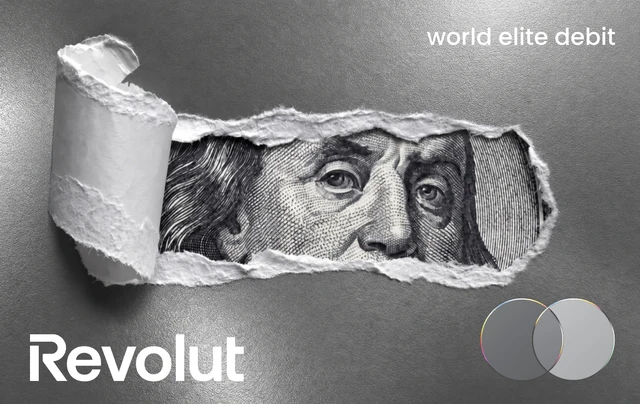


Your wallet.
Your style.
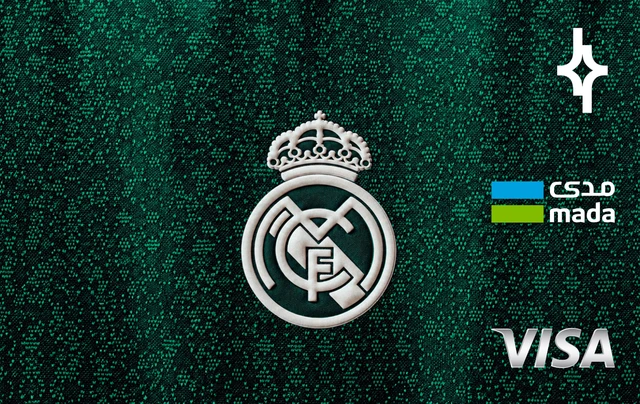
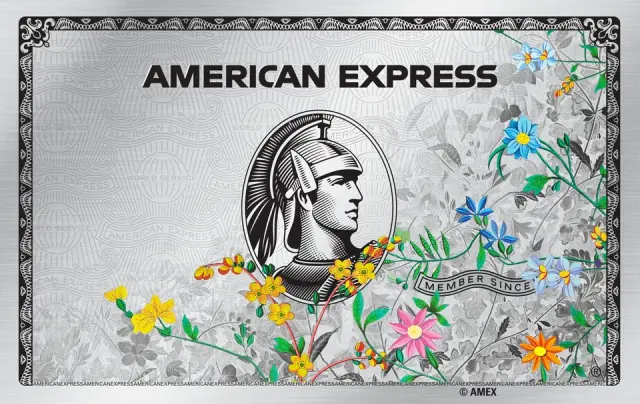
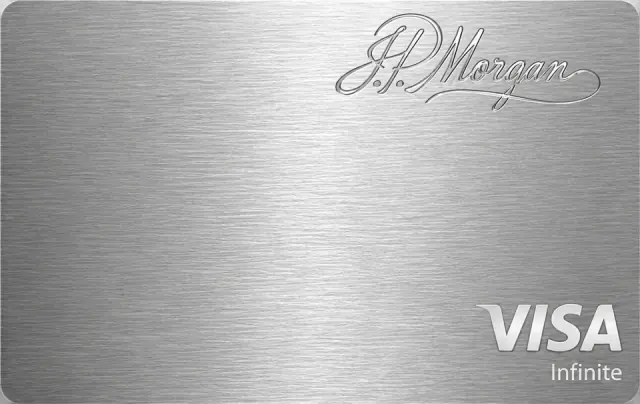
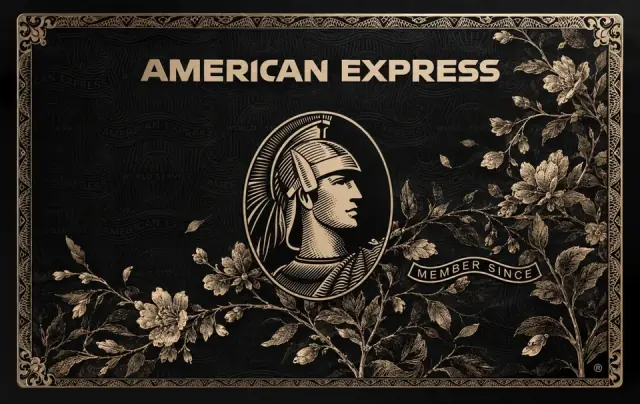
Give your Apple Wallet a new look with thousands of card designs. Choose it on your Mac. Show it off with every tap.
Plans from $9.99 · macOS 14 or later · Works with your iPhone by cable or Wi-Fi



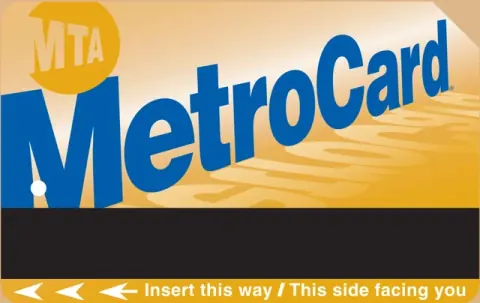 ORIGINAL
 ORIGINAL

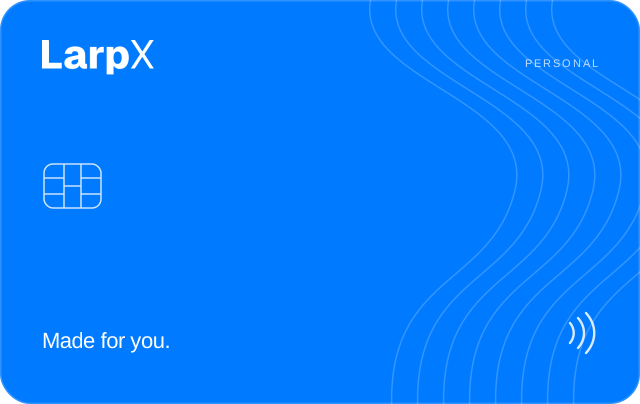

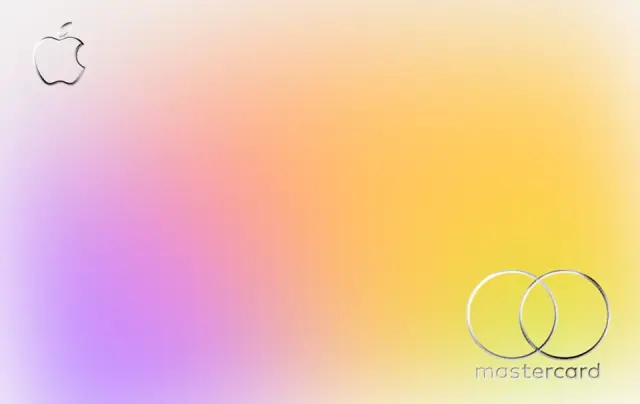
Liquid Glass
2.1k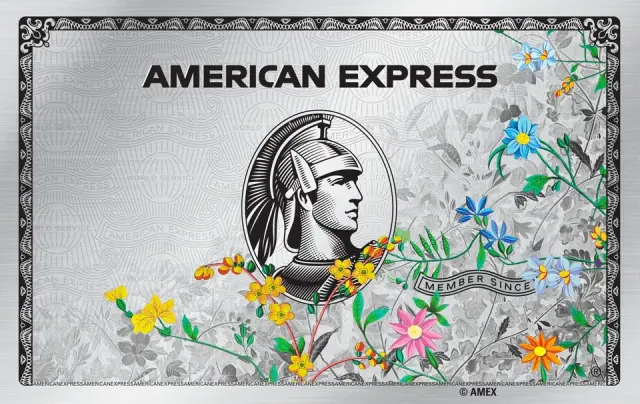
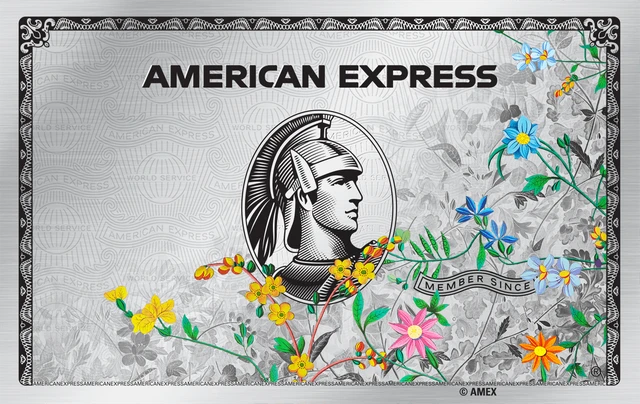
Floral Platinum
4.8k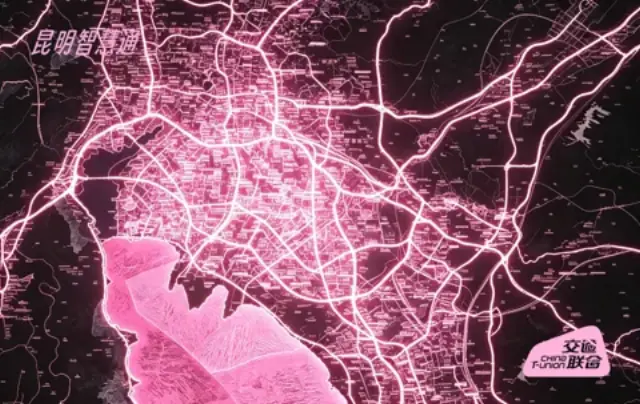
Pink Lightning
3.3k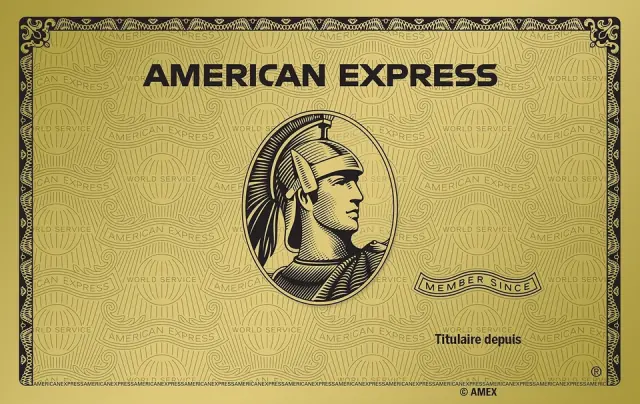
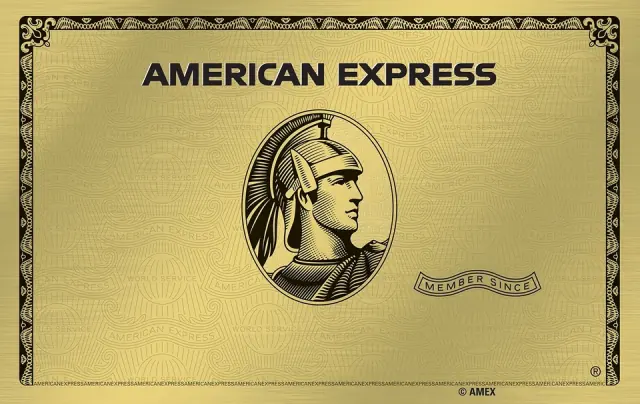
Gold Metal
5.2k
GT Black
2.7k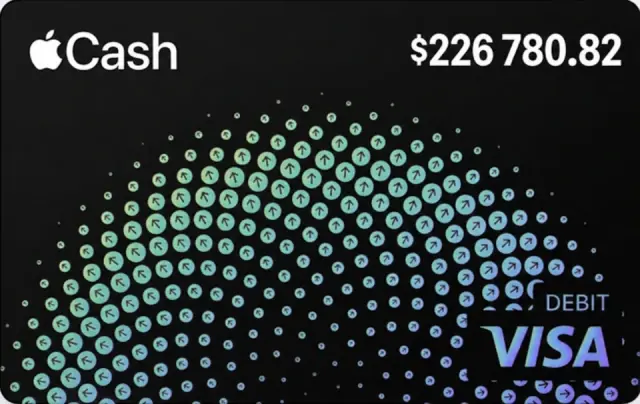
Cash Dots
1.9k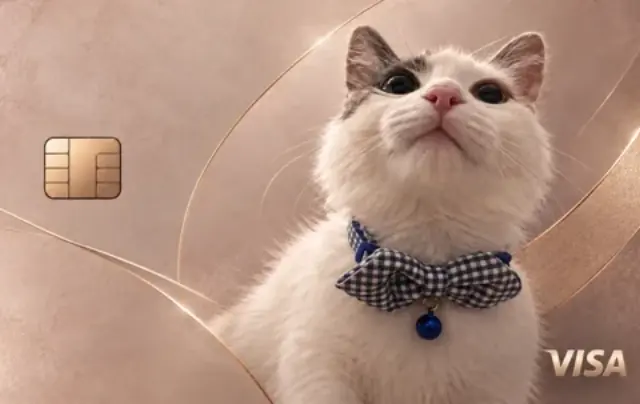
Kitten
1.4k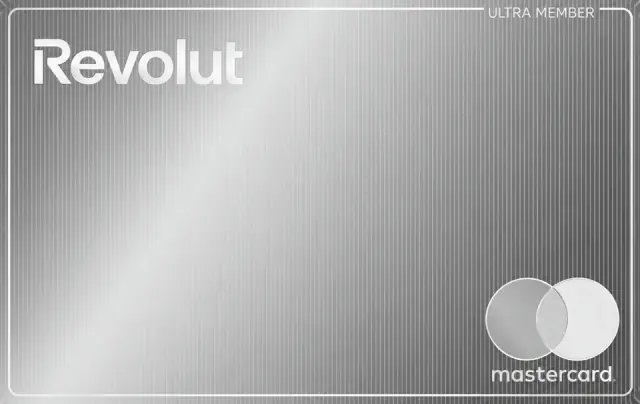
Brushed Steel
980
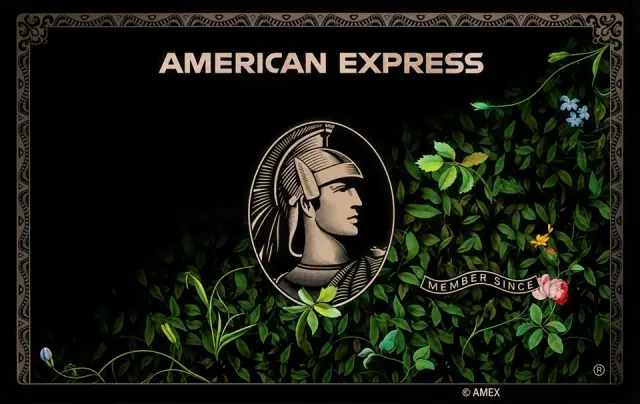
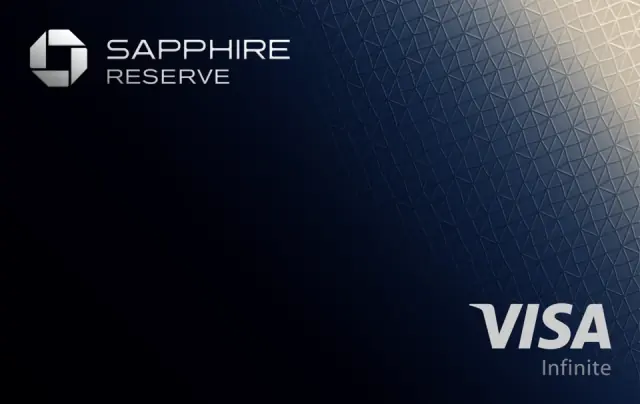













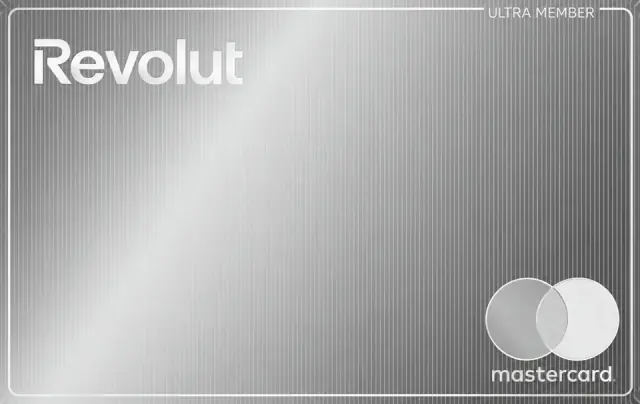
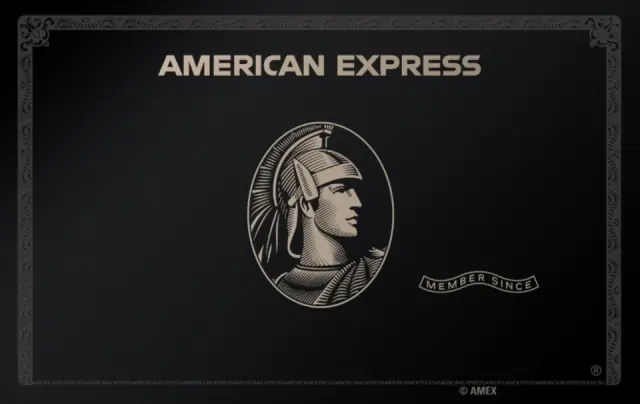
11,000+ community designs, plus anything you request
Make it yours
Your next look is one drag away.
Connect your iPhone to your Mac, then drag a design onto a card. See the new look in your Wallet in seconds, with a history of every change.
- Choose a designDrag a look straight from the gallery.
- Add your own artworkUse a photo, logo or any PNG or JPG.
- Keep every versionUndo a change or restore the original.
Inside LarpX
Everything you need to make it yours.
Connect your wallet, explore 11,000+ designs, add your own artwork and undo any change—all in one app.

Quick to connect.
Plug in your iPhone, or connect over Wi-Fi. Your Wallet cards appear instantly on LarpX, ready to restyle.
Gold Classic
Rose Gold
Champagne Steel
Antique Floral
Endless designs.
Browse 11,000+ community designs or search by issuer, colour or vibe, all without leaving the app.
→→Go back anytime.
Every card keeps its design history. Undo your last change or restore the original look whenever you like.
Make it uniquely yours.
Upload your own artwork or add a custom design, made just for you.
Try it for yourself
Try it on. Find your look.
Drop in a photo, logo or artwork and watch it appear in the Wallet preview. Try a few looks until one feels like you.
Your image stays in your browser. It isn’t uploaded or saved anywhere.

How it compares
Supercharge your wallet.
LarpX only changes how your cards look. Apple Pay, card numbers, balances and your bank stay exactly the same.
Needs a Mac on macOS 14 or later. Connect your iPhone by cable, or over Wi-Fi if it already syncs with your Mac.
Get LarpX now →| Features | | Wallet |
|---|---|---|
| Custom card artwork | — | |
| 11,000+ community designs | — | |
| Upload your own images | — | |
| Restore your original design | — | |
| Undo past design changes | — | |
| Connect by cable or Wi-Fi | — |
Your style,
your plan.
Pick 5 uploads, go unlimited for 30 days, or make every future restyle yours with lifetime access. One-time payments. No subscriptions.





5 uploads
One-time payment.
- 5 uploads to your iPhone
- Uploads never expire
- Failed uploads are given back
Lifetime Access
One-time payment. Yours forever.
- Unlimited uploads, forever
- All 11,000+ designs and your own art
- Every future update
30 days unlimited
One-time payment · doesn't renew.
- Unlimited uploads for 30 days
- Ends by itself, no subscription
- Good for a restyle spree
Undo and putting a card back to its original are always free, and failed uploads are never charged. Pay once to download and access your product. Prices include tax. All purchases are non-refundable.
Privacy
Your wallet is nobody else's business.
LarpX only changes how your cards look. No servers, no sign-ups and nothing you can't undo.
Runs on your Mac.
Designs go straight from your Mac to your iPhone, by cable or Wi-Fi sync. No LarpX servers in between.
Nothing to sign up for.
↩Undo anything.
Card details stay put.
Reviews
People who restyled their Wallet.
FAQ
Common questions.
What does LarpX actually change?+
Only the artwork on the front of a card in Apple Wallet. Card numbers, balances, transactions and Apple Pay itself are left exactly as they are.
Can I upload my own designs?+
Yes. Drop any PNG or JPG into LarpX, whether it's a photo, a logo or something you made, and it's fitted to the card shape before it's sent to your iPhone.
Will Apple Pay still work?+
Yes. Paying, tapping transit gates and checking balances all work the same way. You just see a different picture on the card.
Which cards can I restyle?+
Credit, debit and transit cards. Tickets, boarding passes and gift cards are hidden in the app because they can't be restyled cleanly.
Can I go back to the original look?+
Yes. LarpX saves each card's original design before the first change and keeps it in your strip, so you can drag it back on anytime. Every card also has an undo history for stepping back through designs.
Does it work without a cable?+
Yes, if your iPhone already syncs with your Mac over Wi-Fi. To turn that on, plug in once, select your iPhone in Finder and tick “Show this iPhone when on Wi-Fi”. Updates are quicker over a cable, so plug in when you can.
Mac blocks LarpX, why?+
LarpX isn’t notarized by Apple, so the first time you open it, macOS says “LarpX.app” Not Opened and that Apple could not verify it. That’s expected. Click Done, then go to System Settings > Privacy & Security and click Open Anyway. It only takes a minute and you only do it once. Step-by-step setup guide. Your first time plugging in your iPhone, unlock it and tap Trust.
Which iOS versions work?+
iOS 18 through iOS 27.0.1. Apple closed the sync path LarpX uses in iOS 27.2 (from beta 3), so cards can't be restyled on 27.2 or later for now. If you want to keep changing your cards, hold off on updating to iOS 27.2.
Does my Mac need anything else?+
Just Apple's free Command Line Tools, which many Macs already have. If yours doesn't, LarpX asks once and installs them with Apple's own installer. It takes about 5 to 10 minutes.
Do I need to jailbreak my iPhone?+
No. LarpX works with a normal iPhone connected to your Mac.
Why isn't it on the Mac App Store?+
LarpX relies on system frameworks that App Store apps aren't allowed to use, so it's distributed directly instead.
How much does LarpX cost?+
LarpX currently has 3 plans. Choose 5 uploads for $9.99, unlimited for 30 days for $15.99, or unlimited forever for $20.99. All one-time payments, no subscription. Failed uploads are never charged, and undo or going back to the original is always free. See pricing. Questions? Email contact@larpx.skin.
Can I use LarpX on another Mac?+
Your purchase is linked to your email address, so you can pay from any device. We’ll email you a download link to use anytime on any Mac you own.
Can I get a refund?+
LarpX is a digital product delivered immediately after purchase, so payments are non-refundable. If you need technical support, email contact@larpx.skin or contact us via live chat.
LarpX runs on your Mac
You're on your phone. Send yourself the link, open it on your Mac, and your iPhone connects to it from there.
Opens your mail app with the link ready to send. We never see your email.